LXD GUI,
Canonical
LXD is a system container and virtual machine manager that had been around for years — loved by its community, but only accessible through the command line. A visual interface had been on the wishlist for a long time. I joined as lead designer to make it happen. Within 8 months, we shipped the core functionality — a GUI that let users manage containers and VMs without having to memorise commands or dig through technical documentation. For a lot of users, it was a long time coming.
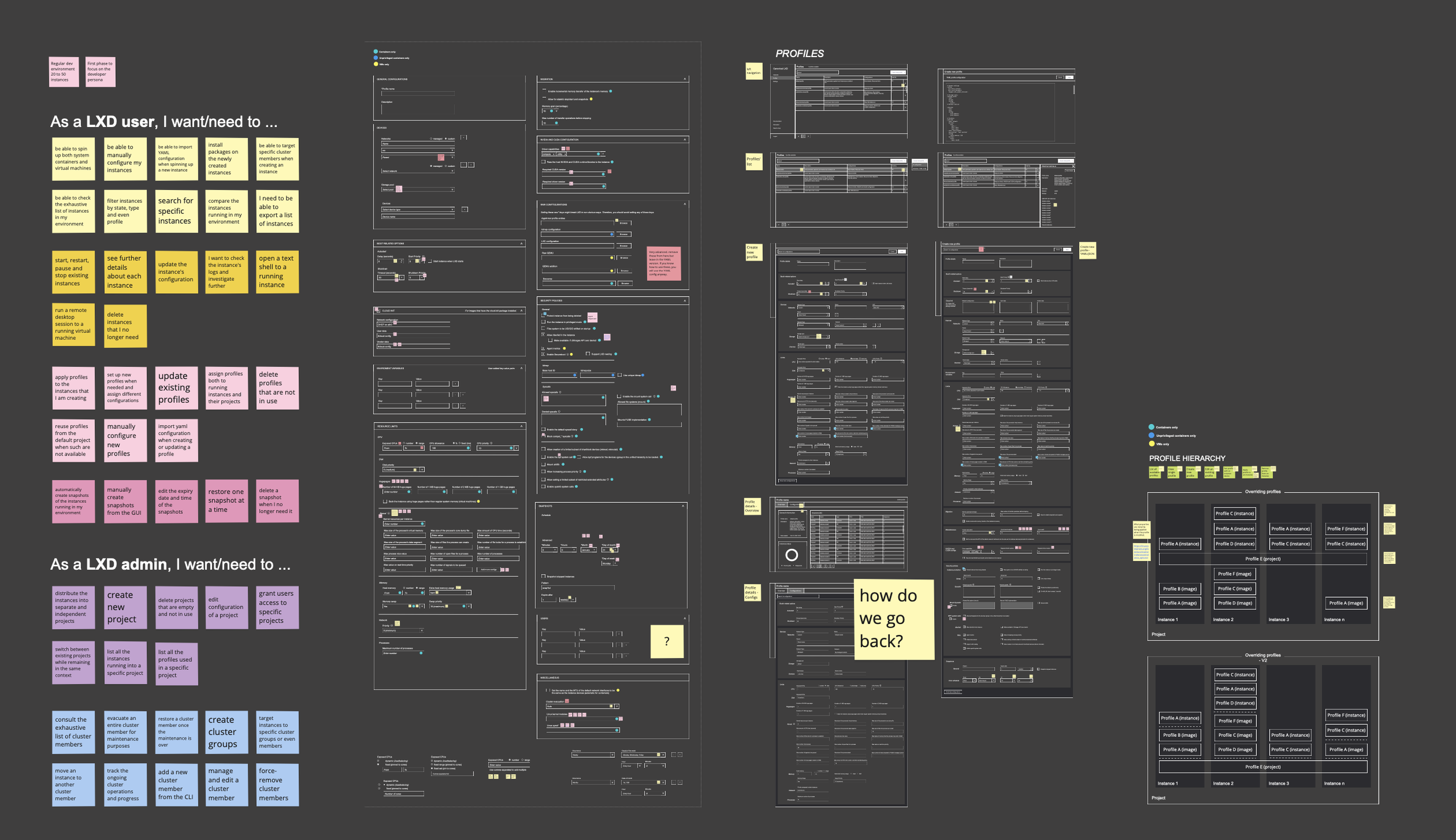
Learning playground
Every design adventure starts with a messy Miro playground — sticky notes, quick sketches, screenshots, half-formed ideas. This one was no different.
mapping & flows
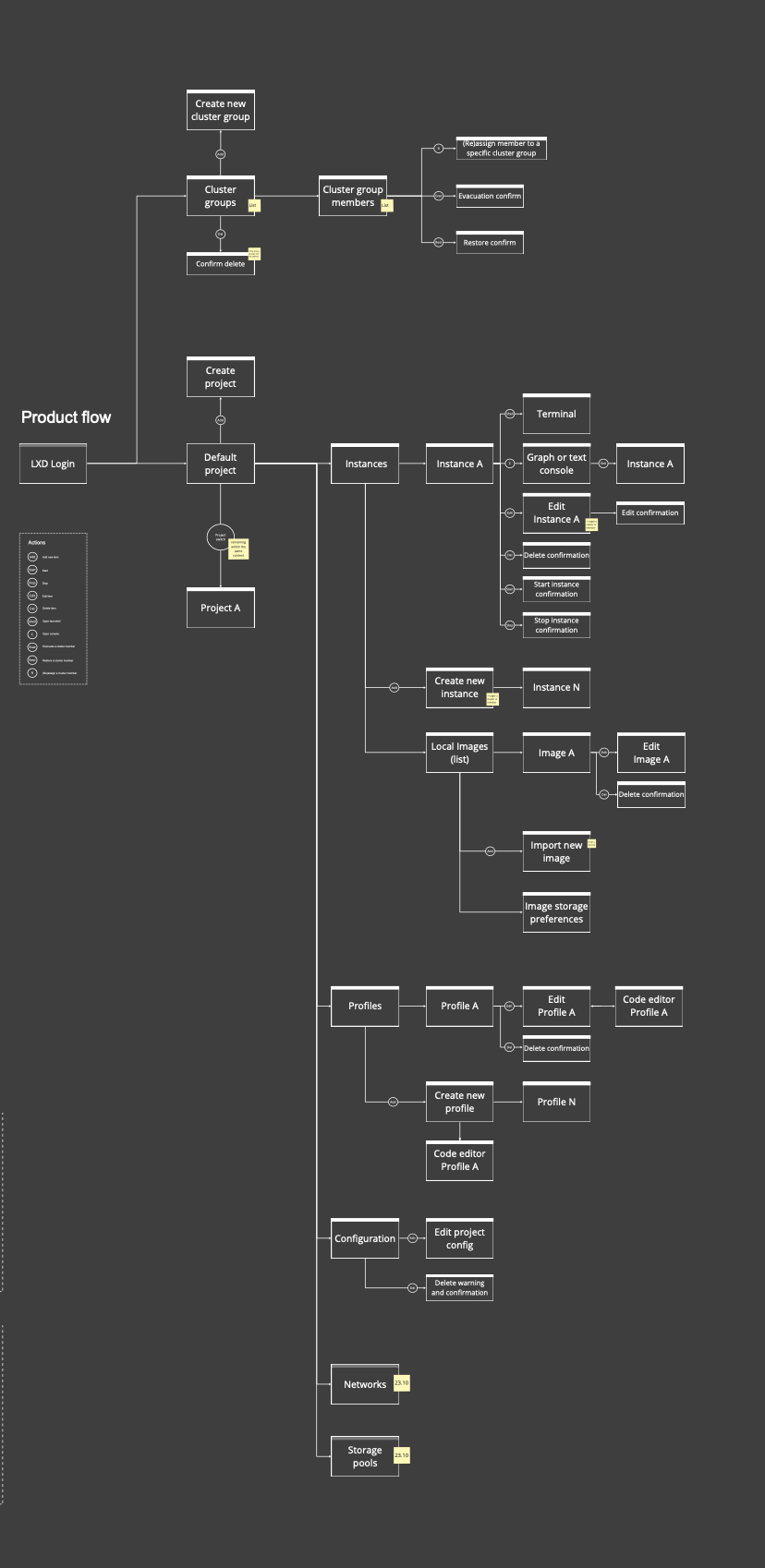
When building a product from scratch, I always start with flows before touching mockups. Mapping out how pages connect and how a user moves through the product helps me validate my thinking early — with stakeholders, with engineers, and with myself. It's also a practical handoff: a solid flow gives the engineering team something concrete to dig into while design is still in progress.
LOW-FIDELITY WIREFRAMEs
With the flows mapped out, I moved into low-fidelity wireframes — rough layouts to explore structure and hierarchy before committing to anything visual. At this stage the goal was to answer the big questions: what lives on each page, how much space does each element need, and does the overall layout make sense for a technically sophisticated user who's used to working in a terminal.

User research
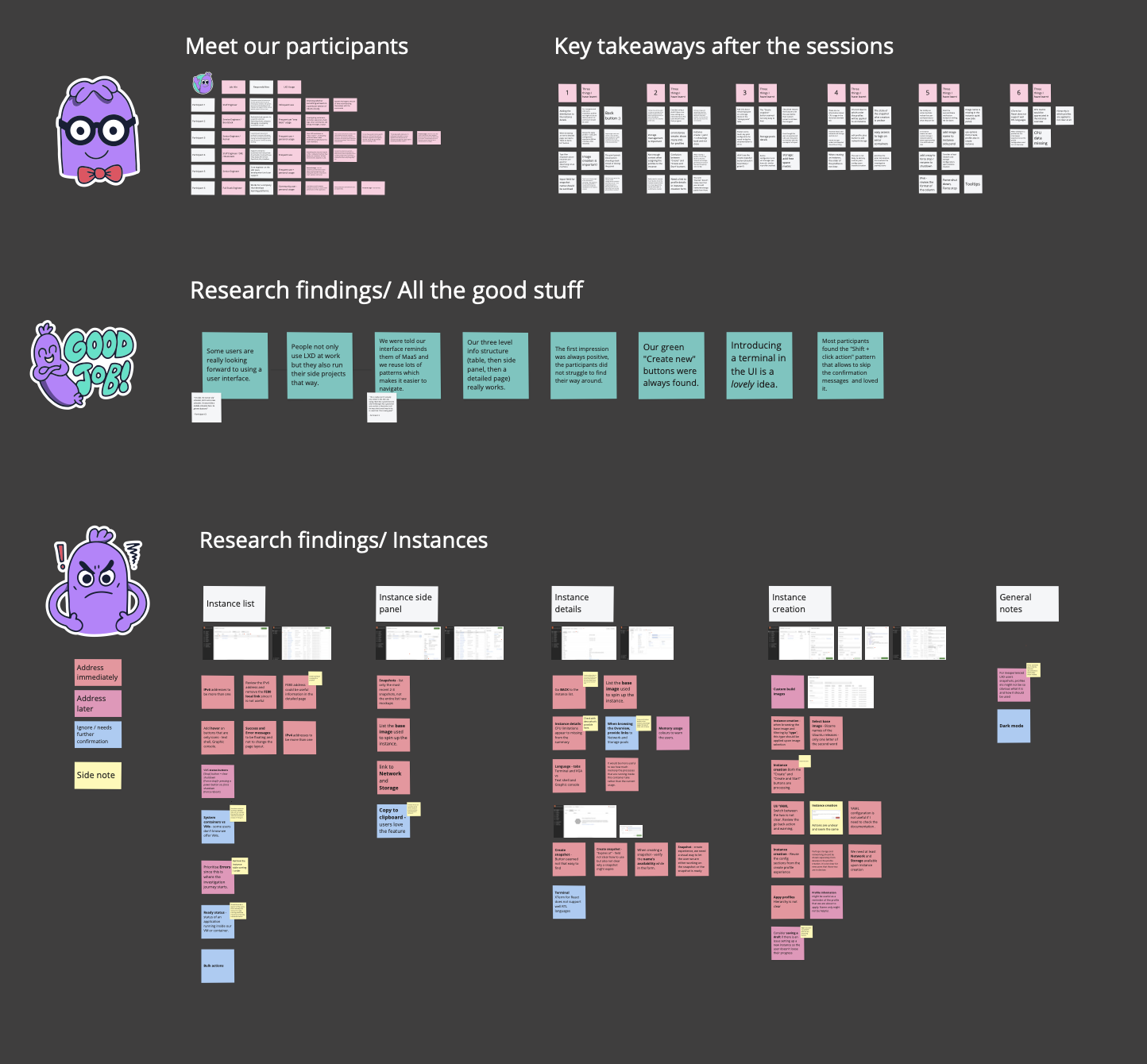
We ran 6 moderated research sessions with both internal and external LXD users — a mix of advanced users and those who were only familiar with the basics. That range gave us a much richer picture of where the experience was working and where it wasn't.
When I put together the research readout, I always make a point of highlighting what's going well, not just what needs fixing. Research sessions can feel like a list of problems — but they're also a chance to celebrate the decisions that landed. I find teams respond better, and stay more motivated, when the good stuff gets acknowledged too.
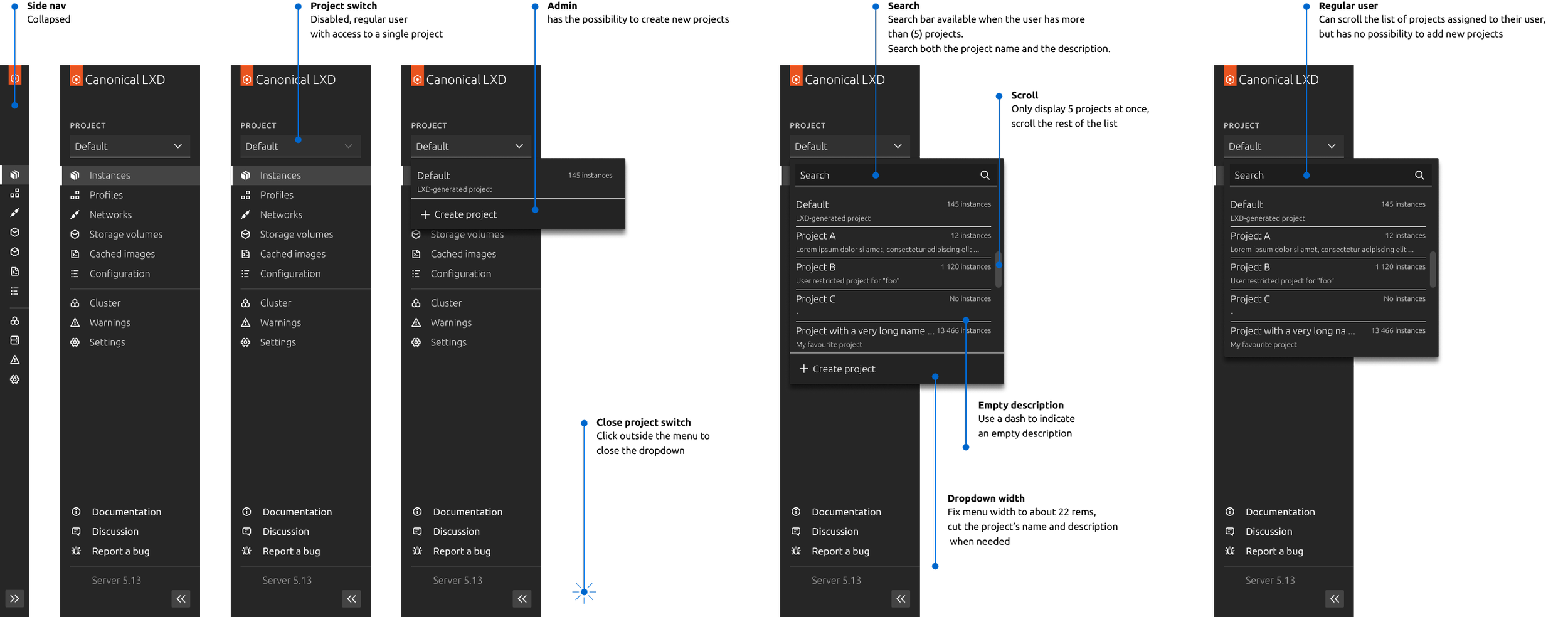
high -fidelity
For high-fidelity designs, we worked within Vanilla — Canonical's open-source CSS framework used across their entire product suite. Designing within a shared system meant staying in close conversation with the broader design team to make sure LXD felt consistent with the rest of the portfolio. It also meant contributing back — regular discussions helped us flag gaps in the framework and push the system forward together.
conclusion
The LXD GUI launched to an enthusiastic response from the open-source community — the kind of reaction you get when something people have been asking for a long time finally arrives. Thousands of users picked it up quickly, and the feedback was overwhelmingly positive. For a technically sophisticated audience that's used to having strong opinions about their tools, that meant a lot.
If you want to see it in action — and read what the community had to say — the demo is on YouTube.